
Christmas Tree using Python

In this article, you learn about the turtle library in python using the turtle library you can draw any type of image, logo or any type of drawing. Basically, turtle library is used to create logo’s and it’s inbuilt with any version of python. so don’t wait to start something new with python                     Here we draw a Christmas tree using python.
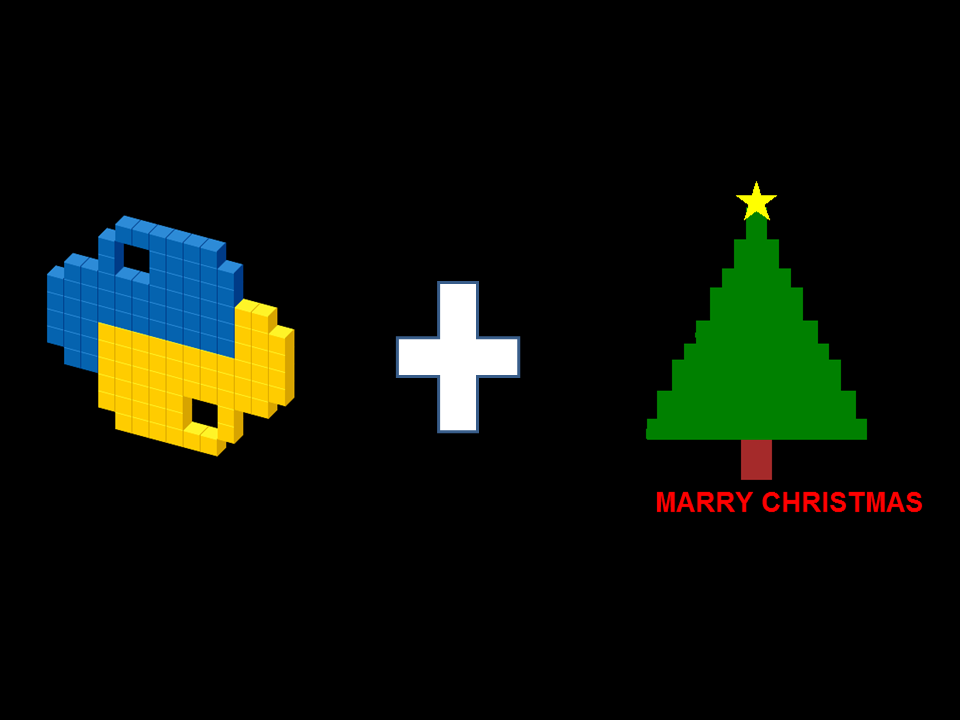

Here we use python 3.7 version, you can use any version of python from 2.7 to 3.5.you can also learn from this video 

You can also find the code on GitHub account the link is: https://github.com/iotianinnovator/Python_Project/blob/master/ChristmasTreeWithPython.zip
 Comment below if you successfully made and any query about it. Thank You.


Comments

Popular posts from this blog

SANTA CLAUS' HAT USING PYTHON

Hello IoTIAN , In this video we create a SANTA Claus’ HAT using python in this we use turtle library for drawing the steps are following for creating Santa Hat.   Import TURTLE library       Import shapes file which already built        Import  RANDOM library        Give the name to your turtle pen        Set the speed of your pen        Choose background color        Draw a circle in which area you want to create a cap        Create a red color triangle        Set different circle with different radius and coordination to convert it into a cap    Hide the turtle using myPen.hideturtle() The Code in this give a link for the following Santa HAT          https://github.com/iotianinnovator/Python_Project         Comment if yo...

How to Install Node-RED in Windows or any OS || Part-1

In this post, we learn how to install Node-RED in a window or any OS. This is a part-1 of this playlist. So, let’s start. There are some instructions to install Node-RED in your machine. Step-1 : Download the Node.JS software from the link. The link is given in the below image: Step-2 : Set the path of Node.js in OS environment variable, for the set, the path sees the instruction is given below images. Step 3: Now check that path is correctly set or not for this: ·          Open the CMD prompt ·          Type the command NPM ·          And if this gives any response then the path is successfully set otherwise check again: Step 4 : Now download the second software mosquitto. For download it sees the instructions in given below image: Step 5: Set the path of mosquito MQTT broker in the OS environment variable. For...